Roles
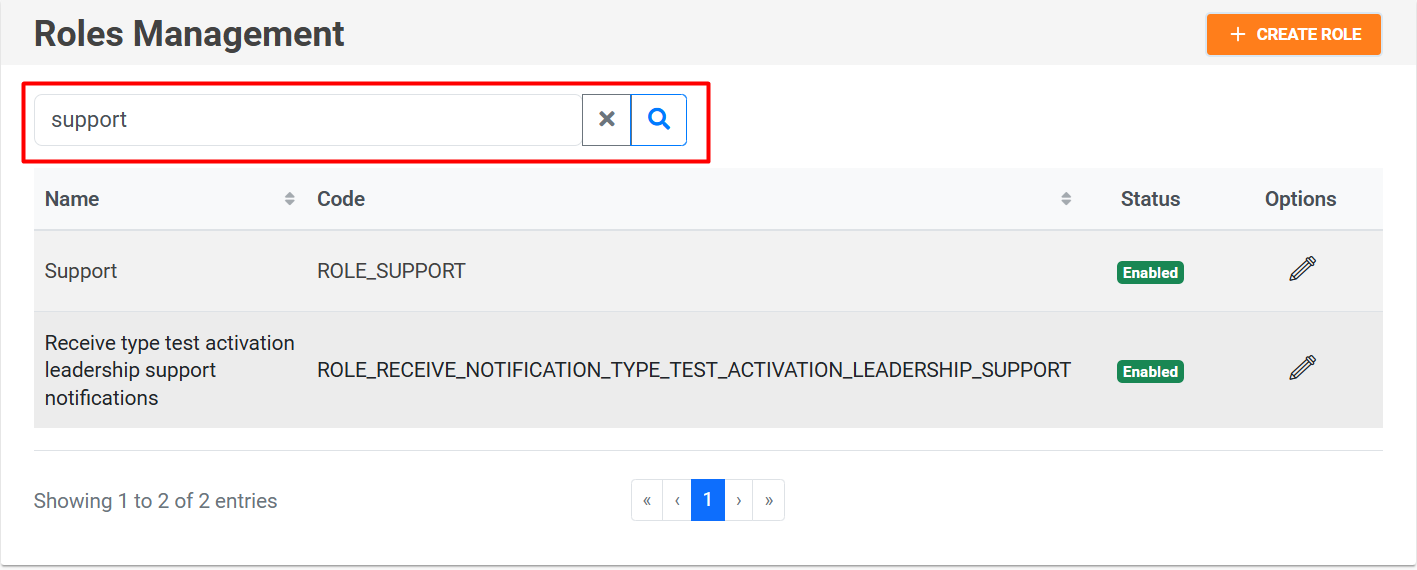
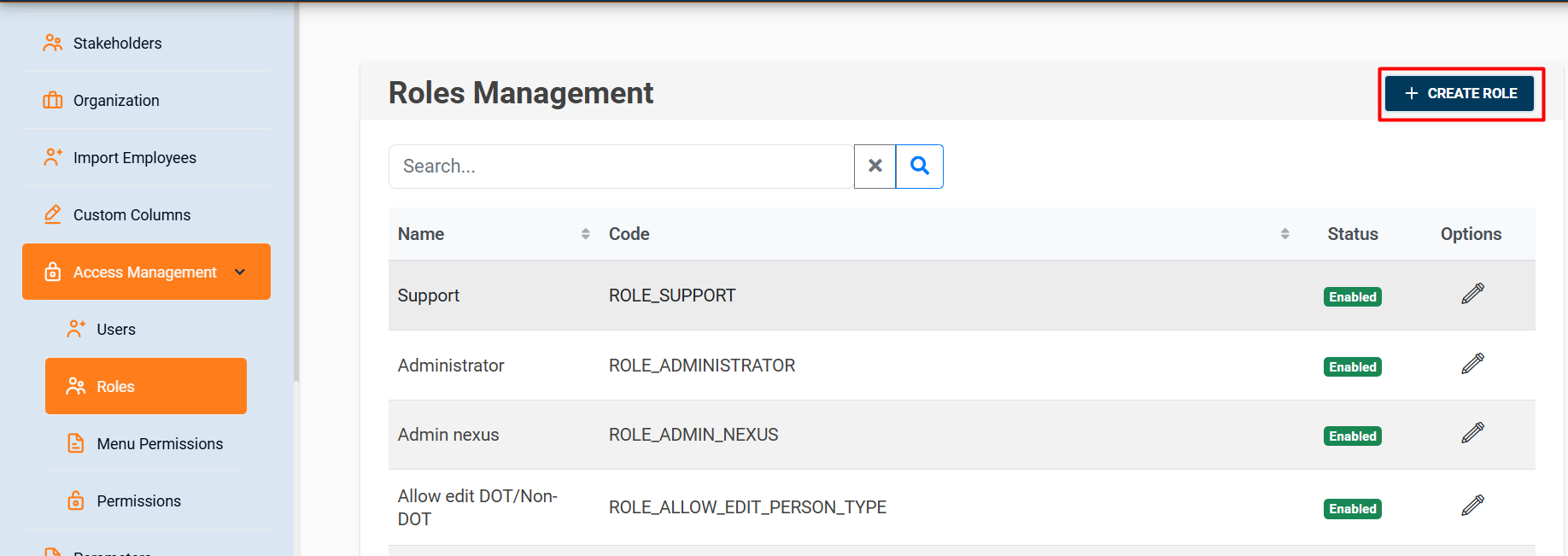
In the Roles section, you can create, edit, and list the roles that exist in the system.
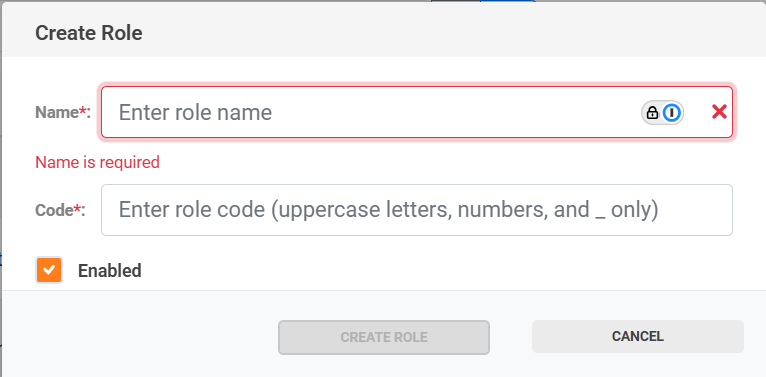
To create a role, you only need to provide the name and code. The code must be written in uppercase letters, and spaces must be replaced with underscores (_).

In the Edit option, you can modify the information of an existing role, activate or deactivate its availability in the system, and assign the corresponding permissions according to the menu sections.
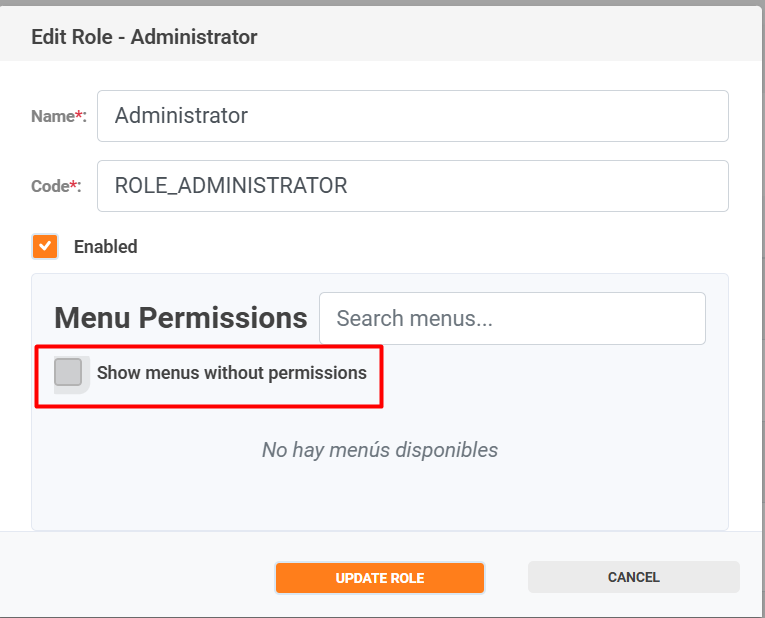
For example, in the Hub section, role can be granted only the permission to list, which will allow viewing the list, but not inserting, editing, or deleting information.
To search for a role, click on the magnifying glass icon 🔍, and to clear the filter, use the “X” icon.