
Permissions
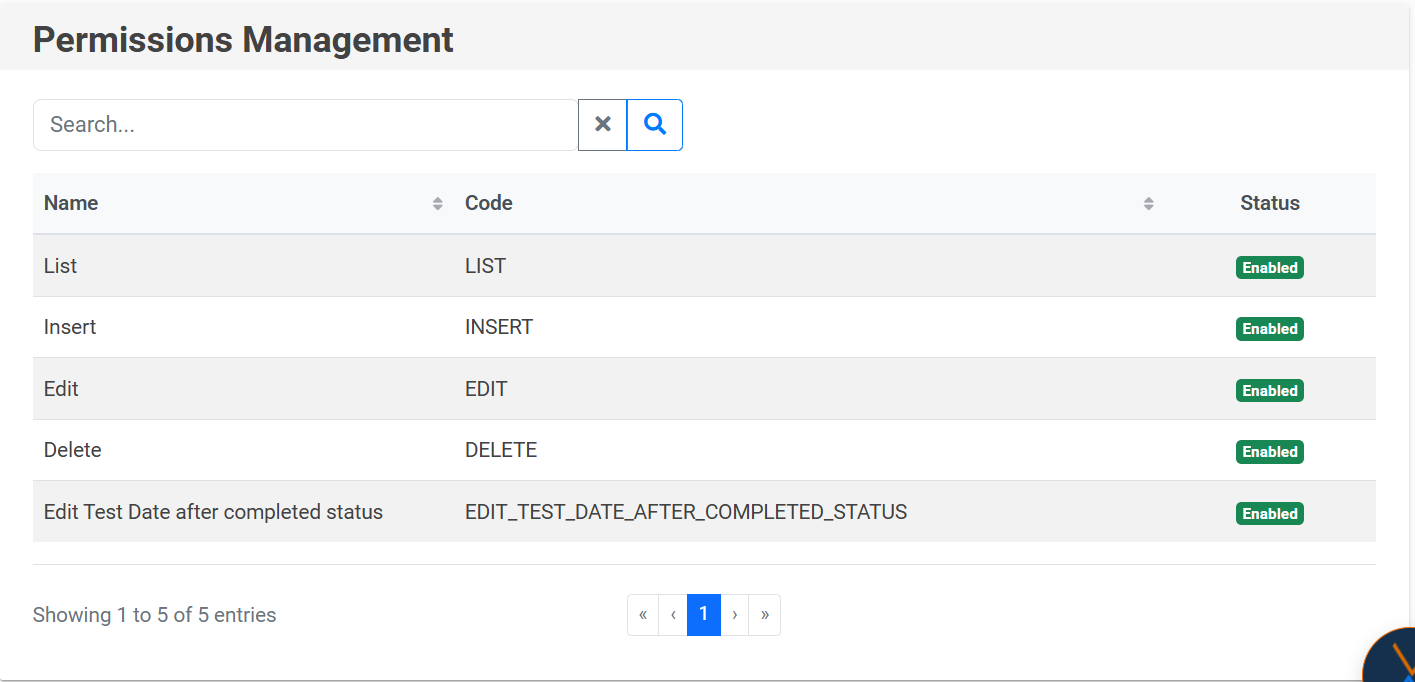
The Permissions section shows a detailed list of all the permissions available on the portal, indicating which ones are active and which ones are disabled.
IMPORTANT: If you want to create a new permission, you must notify the person in charge of NEXUS administration, as internal software development is required to associate that permission with specific elements of the portal.
To search for a permission, click on the magnifying glass icon 🔍, and to clear the filter, use the “X” icon.
No comments to display
No comments to display